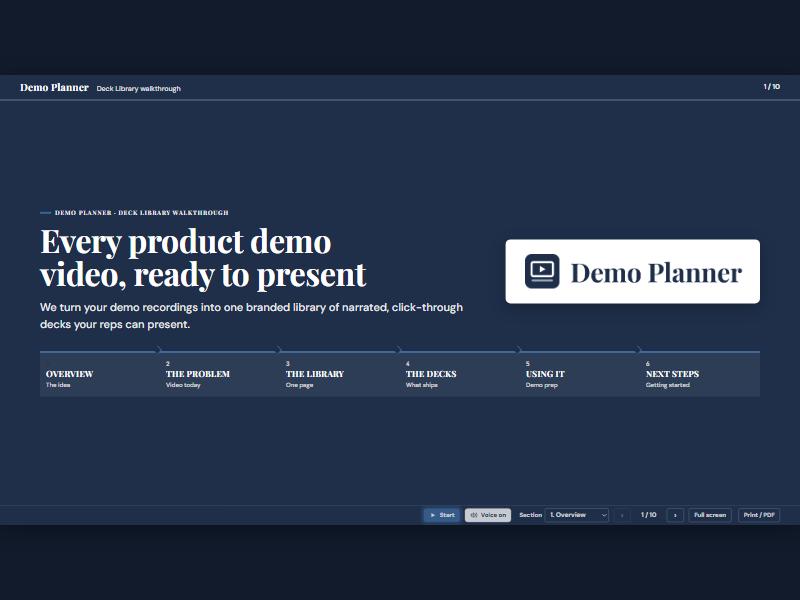
Plan every software demo before you share your screen.

You already know things about the prospect. Demo Planner turns that into a plan for the call — what to show, in what order, and what to say.

What you walk in with

Customer agenda

A clean, time-boxed agenda you can send ahead of the call, built around the prospect's stated pain points.

Run order

Which screens, decks and recordings to show, in what order, with the time each one gets.

Talk track

Key points per segment, the questions to ask, and the proof points that match this buyer.

Pre-demo checklist

Data to load, logins to test, people to confirm, and content gaps to close before the call.

How it works

  1. Pull in what you know. CRM history, emails, call transcripts and discovery notes.
  2. Match it to your demo library. Demo Planner picks the screens and decks that answer what this prospect asked about.
  3. Get the plan. Agenda, run order, talk track and checklist, ready to edit and share with your team.

Sample plan: 45-minute discovery demo

Prospect: regional distributor evaluating a new ERP. Priorities: pricing accuracy, route settlement, state tax reporting.

TimeSegmentShow
0:00Introductions and goalsConfirm the three priorities from discovery
0:05Pricing accuracyPrice sheet build, a formula error caught before it ships
0:20Route settlementDriver check-in, cash and credit reconciliation
0:32State tax reportingMonthly report generated from live invoices
0:40Next stepsPilot scope, data needed, decision date

Get Access

Create an account and download the plugin.

Get Access